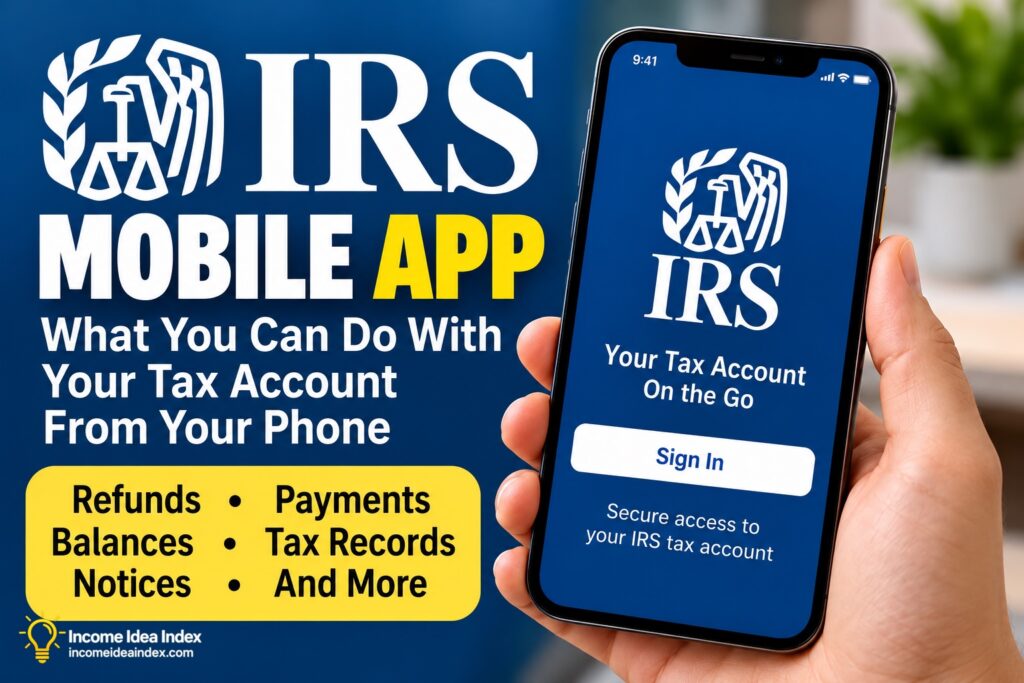
What You Can Do With the IRS Mobile App
The biggest change from IRS2Go is the amount of account-specific information available after signing in.
Here are some of the main features available at launch.
Check Your Tax Refund Status
Refund tracking remains one of the app’s most useful features.
You can check the status of a federal tax refund from your phone instead of repeatedly visiting the IRS website.
The IRS also provides its official refund information and tracker on IRS.gov.
For current-year refunds, the IRS says refund status is generally available about 24 hours after electronically filing a return. Prior-year electronically filed returns generally take about three days to appear, while paper returns can take about four weeks.
Those timeframes refer to when status information becomes available—not necessarily when the refund will arrive.
Check an Amended Return
The app also provides access to amended-return status.
This can be useful if you filed a correction using Form 1040-X and want to monitor its progress without repeatedly navigating through IRS.gov.
View Your Available Balance
Taxpayers can view available balance information from within the app.
That can be particularly useful when you need to confirm how much you currently owe before making a payment or reviewing your tax situation.
Keep in mind that your tax circumstances can be more complicated than a single displayed balance. If you have questions about penalties, payment arrangements, multiple tax years or another tax issue, you may need additional information through IRS.gov or professional assistance.
Make IRS Payments
The IRS mobile app also allows taxpayers to access payment functionality.
This makes the app potentially useful beyond tax-filing season.
Freelancers, independent contractors, gig workers and some small-business owners may need to make tax payments during the year rather than having all of their federal income taxes withheld from a traditional paycheck.
For example, someone who misses a quarterly payment may need to address it before the next filing season. Our guide on what to do after missing an estimated-tax deadline explains some of the considerations for taxpayers with estimated-tax obligations.
The amount and timing of any required tax payment depends on your individual circumstances. The app makes payments more accessible; it does not determine what you personally should pay.
Review Your Payment Activity
Making a payment is only part of managing taxes.
Being able to review payment activity can help you confirm that payments were recorded and keep better track of what you have already sent to the IRS.
This may be especially useful for people whose income does not come with traditional payroll withholding.
View Selected IRS Notices and Letters
The app can display certain IRS notices and letters.
That doesn’t mean every piece of IRS correspondence will necessarily appear in the app. The agency specifically describes this feature as access to select notices and letters.
If you receive an IRS notice, read it carefully and follow the instructions provided. Do not assume that the mobile app contains every document or action you may need.
Access Tax Records and Transcripts
The app also provides access to available tax records and transcripts.
Tax transcripts can be useful when you need information from a previous tax return, income records or other tax-account information.
Depending on what you need, additional transcript services remain available through IRS.gov.
Retrieve Your IP PIN
One particularly useful addition is access to an Identity Protection PIN, commonly called an IP PIN.
An IP PIN is a six-digit number that helps prevent someone else from filing a federal tax return using your Social Security number or Individual Taxpayer Identification Number.
If you participate in the IP PIN program, being able to retrieve the number through the official app can make it easier to find when it is time to file.
Manage Certain Account Preferences
The IRS says users can also manage certain profile and communication preferences through the app.
As with notices, this doesn’t mean every account setting available through IRS.gov is available on mobile.
The IRS plans to expand the app over time, so its capabilities may become broader after launch.
Why the IRS App Could Be Useful for Gig Workers and Freelancers
Traditional employees often have federal taxes withheld automatically from their paychecks.
Self-employed people can have a more hands-on relationship with taxes.
Freelancers, independent contractors and gig workers may need to track business expenses, maintain records and potentially make estimated-tax payments during the year.
For drivers and delivery workers, that can include keeping mileage records. Our gig-worker mileage tracker guideexplains how to maintain business-mileage records throughout the year.
The IRS app doesn’t replace that recordkeeping.
What it can do is provide another convenient way to handle certain IRS account tasks from the same device many gig workers already use throughout their workday.
For example, you could check an account balance, review a previous payment or access certain tax records without needing to sit down at a computer.
That convenience is useful—but good financial and tax records still need to be maintained separately.