

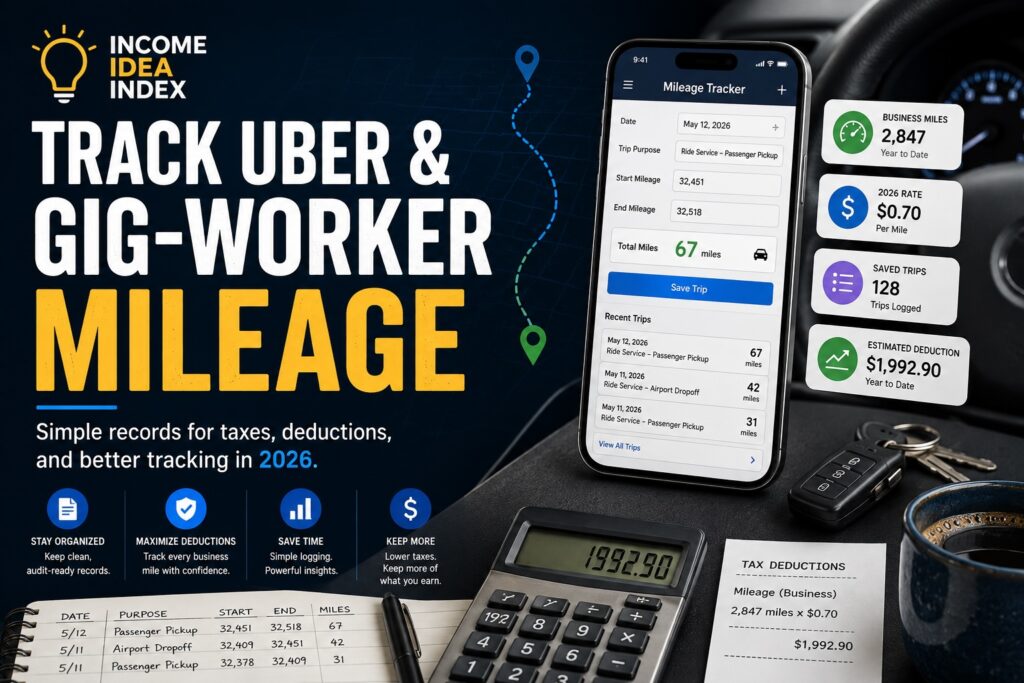
If you drive for Uber, Lyft, DoorDash, Instacart, Amazon Flex, or another gig platform, a good gig worker mileage tracker can make it much easier to keep accurate business-mileage records throughout the year.
Every workday can involve dozens of miles: driving passengers, making deliveries, traveling between work locations, or handling business-related errands.
Those miles can add up quickly.
And if you wait until tax season to reconstruct everything from memory, it can become difficult to remember exactly how much you drove for business.
That is why a simple mileage-tracking habit can be so useful.
The IRS recommends that gig workers keep records throughout the year because good recordkeeping can help track income, support deductible expenses, and make tax preparation easier. IRS — Manage Taxes for Your Gig Work
This guide explains the basics of tracking gig-worker mileage in 2026 and shows how you can use the free Income Idea Index Gig-Worker Mileage Tracker to keep a running record directly in your browser.
Why Gig Workers Should Track Business Mileage
When you use a vehicle for qualifying business activity, vehicle expenses may be deductible.
One common method is the IRS standard mileage method, which uses a set rate for each qualifying business mile.
For 2026, the IRS business mileage rate changed during the year.
From January 1 through June 30, 2026, the business standard mileage rate was:
72.5 cents per mile
Beginning July 1, 2026, the rate increased to:
76 cents per mile
The IRS says the midyear adjustment applies to deductible business transportation expenses incurred on or after July 1, 2026. IRS — Standard Mileage Rates
That means the date of a trip matters when estimating mileage deductions for 2026.
For example, 100 qualifying business miles driven in August would correspond to:
100 × $0.76 = $76
That does not mean you receive $76 back from the government.
A tax deduction generally reduces taxable income. Your actual tax savings depend on your individual tax situation.
What Counts as Gig-Work Mileage?
Not every mile you drive automatically counts as business mileage.
The purpose of the trip matters.
Depending on your situation, business-related driving may include travel connected with activities such as:
- transporting passengers
- making food or grocery deliveries
- delivering packages
- traveling between customers
- visiting clients
- making business-related errands
- traveling between qualifying work locations
The IRS defines gig work broadly to include income-producing activities such as ridesharing, delivery work, errands, freelance work, and other on-demand services. IRS — Gig Economy Tax Center
Personal driving generally does not qualify as business mileage.
Ordinary commuting may also be treated differently from business transportation, so you should not automatically count every mile driven on a workday as deductible.
If you are unsure whether a particular trip qualifies, check current IRS guidance or consult a qualified tax professional.
Why You Should Track Mileage as You Drive
Trying to rebuild an entire year of mileage at tax time is much harder than recording it as you go.
You may remember that you worked on a particular day.
But months later, will you remember:
- where you started?
- where you ended?
- your odometer readings?
- which miles were personal?
- which platform you were working for?
- why a particular trip was business-related?
A mileage log gives you a running record instead.
The goal is not to make recordkeeping complicated.
It is to make it routine.
What Should a Mileage Log Include?
A practical mileage record should contain enough information to help you understand the trip later.
Useful details can include:
- date
- work platform
- business purpose
- starting location
- ending location
- starting odometer reading
- ending odometer reading
- business miles
- optional notes
Consistency matters more than complexity.
A simple record kept regularly is usually much more useful than trying to recreate an entire year from memory.
Use the Free Income Idea Index Mileage Tracker
To make mileage tracking easier, we created the Income Idea Index Gig-Worker Mileage Tracker.
Open the Free Gig-Worker Mileage Tracker
The tracker is designed for gig workers and independent drivers who want a straightforward way to record business mileage without creating an account.
You can use it for work connected with platforms such as:
- Uber
- Lyft
- DoorDash
- Instacart
- Amazon Flex
- Grubhub
- freelance or contract work
- other business driving
The tool works directly in your browser.
Your Mileage Records Stay on Your Device
The tracker was designed with simplicity and privacy in mind.
Your mileage records are stored locally in your browser rather than being uploaded to an Income Idea Index account.
That means:
No account is required.
But it also means you are responsible for protecting your records.
If you clear your browser data, switch devices, reset your browser, or lose access to that device, your saved records could disappear.
That is why the tracker includes backup and export options.
How to Add a Business Trip
Using the tracker is straightforward.
1. Enter the Date
Choose the date the business trip occurred.
The date is especially important in 2026 because the standard mileage rate changed on July 1.
The tracker can use the applicable rate for the trip date when estimating the potential mileage deduction.
2. Choose Your Work Platform
Select the platform or type of work connected with the trip.
That may include Uber, Lyft, DoorDash, Instacart, Amazon Flex, or another form of contract or business work.
3. Select the Trip Purpose
Record why you were driving.
For example:
- passenger rides
- food delivery
- package delivery
- shopping delivery
- business errand
- client visit
This gives the trip more context than mileage alone.