This Is the Shift From AI Chatbots to AI Workers
The small-business release is another example of an important change taking place across the AI industry.
For several years, using generative AI mostly meant opening a chatbot and asking a question.
The user supplied the information.
The AI produced an answer.
Then the user took that answer somewhere else and completed the actual work.
That boundary is disappearing.
Connected AI systems can retrieve information, use tools, move through several steps, monitor recurring processes and prepare actions inside the applications where work takes place.
Claude for Small Business is still an AI assistant, not an independent employee.
But the direction is clear.
The value proposition is shifting from:
“Claude can tell you how to do this.”
toward:
“Claude can help do this across the systems you already use.”
Google has been moving in a similar direction with cross-application Gemini features. We recently looked at how Gemini can work across Google Workspace apps to organize information and move work between Drive, Sheets and other Workspace tools.
The competition among AI companies is increasingly about who can connect intelligence to actual workflows.
Connecting Business Data to AI Requires More Caution
The benefits of integrations also create the largest reason to be careful.
A chatbot with no access to your business systems has limited ability to cause problems.
An AI system connected to email, accounting, payments, customer records and business files has far more useful context—but also far more responsibility.
Before connecting an AI system to important business services, owners should understand exactly what information it can access and what actions it can perform.
Start with the minimum access necessary.
Do not assume that because a workflow can be automated, it should immediately be allowed to run without review.
Financial activity deserves particularly careful oversight.
So do customer communications, contracts, payroll, tax-related information and anything that could create a legal or financial obligation.
Anthropic’s default approval model helps, but the business owner is still responsible for deciding how much authority to delegate.
A sensible progression is:
- Connect one useful system.
- Choose one repetitive workflow.
- Run it manually with approval required.
- Check the results carefully.
- Correct the process when necessary.
- Automate more only after the workflow proves reliable.
That approach gives the business a chance to discover weaknesses before they become recurring mistakes.
Don’t Automate a Bad Process
There is another risk that has nothing to do with AI safety.
Automation can make a bad process happen faster.
Suppose a business has an inconsistent way of qualifying leads.
Automating that process does not automatically fix it.
Or perhaps the company’s customer follow-up messages are ineffective.
Generating them more quickly does not make them better.
Before automating something, it helps to know what a good result should look like.
That may mean defining:
- When a lead qualifies
- What pricing rules apply
- Who needs to approve a proposal
- Which customer messages require human review
- What financial discrepancies should be flagged
- Which marketing claims the business will or will not make
AI works better when it operates inside clear boundaries.
The goal is not simply to automate more tasks.
It is to automate processes that are already understood well enough to delegate.
Small Businesses Should Measure Whether AI Is Actually Saving Time
There is also a tendency to assume that using more advanced software automatically creates greater productivity.
It does not.
Setting up integrations takes time.
Workflows need testing.
AI output needs review.
Employees may need training.
Occasional mistakes have to be corrected.
A workflow that saves ten minutes but requires twenty minutes of supervision has not improved anything.
After setting up an AI workflow, measure the result.
How long did this task take before?
How long does it take now?
How often does Claude require correction?
Is important work getting completed faster?
Is the workflow helping generate revenue, reduce administrative time or improve service?
Or has it simply created another system that someone must maintain?
Those questions matter more than the number of features included in the product.
A Good First Workflow Should Be Boring
The temptation with powerful AI tools is to begin with the most ambitious automation possible.
That is usually unnecessary.
A better first workflow may be something boring.
Create the weekly report.
Organize incoming leads.
Prepare a first draft of recurring marketing content.
Summarize overdue invoices.
Turn meeting notes into assigned follow-up tasks.
These tasks are repetitive, easy to evaluate and generally reversible.
They allow a business owner to learn how the system behaves without immediately putting a mission-critical process under autonomous control.
Once a simple workflow consistently produces useful results, the business can decide whether deeper automation is worthwhile.
Claude for Small Business Is a Sign of Where Business AI Is Going
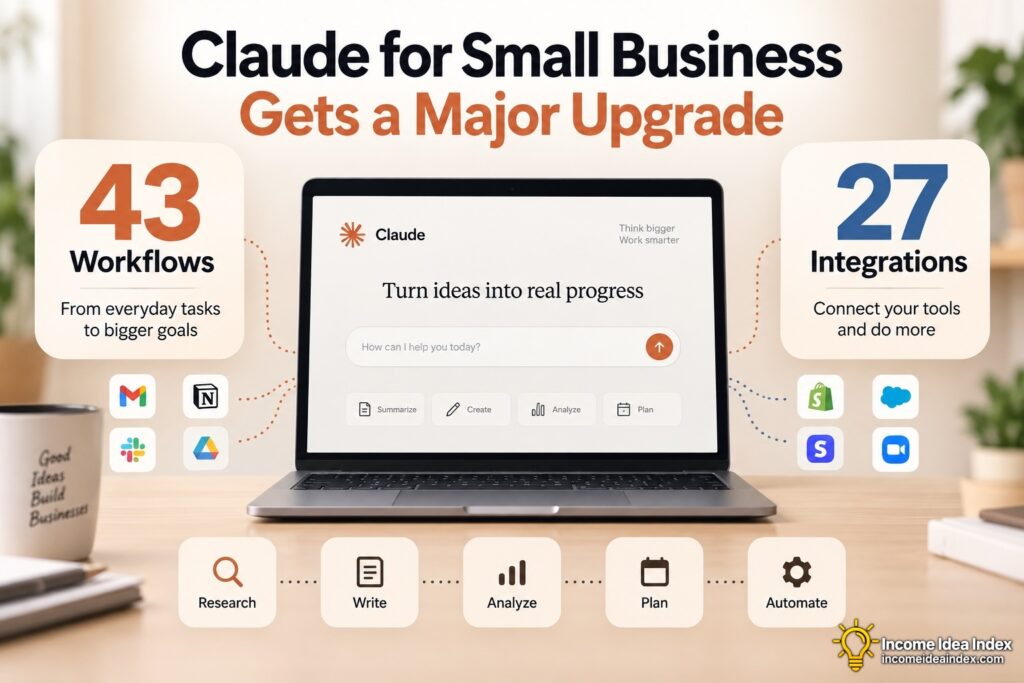
The most important part of Anthropic’s September 15 announcement may not be the number 43 or 27.
It is how ordinary business software is beginning to work together through AI.
A small business may already have capable accounting software, an ecommerce platform, a CRM, calendars, documents, email and marketing tools.
The problem is often that someone still has to move information between all of them.
AI companies are increasingly trying to become the layer that handles that coordination.
Claude for Small Business is Anthropic’s attempt to make that model practical for companies that do not have large IT departments or teams building custom automation.
Whether any individual business needs all of these capabilities is another question.
But the direction is becoming difficult to miss.
AI is moving beyond helping people write, summarize and brainstorm.
It is beginning to sit between the applications where businesses already operate and help carry work from one system to the next.
For small businesses, that may ultimately be one of the most useful applications of AI—not replacing the person running the company, but removing enough repetitive coordination that the person has more time to actually run it.