Which Acrobat Plans Get the New AI Features?
Not every Acrobat user automatically receives every new capability.
Adobe says its new audio and visual capabilities are available through Acrobat Studio, Acrobat Express, and Acrobat AI Assistant Plus.
Interactive report generation specifically requires an eligible Individual or Teams subscription that includes Acrobat Studio, AI Assistant Plus, or Acrobat Express.
Adobe also notes that feature availability can depend on the plan and that some Acrobat features are rolled out in phases.
Enterprise customers using Acrobat Studio have access to the broader Knowledge Base and Analyzer capabilities in addition to the audio and visual features.
Anyone considering a subscription specifically for one of these AI tools should check the current plan before purchasing because Adobe’s plans, pricing, limits, and feature availability can change.
Compare Adobe’s current Acrobat features and plans
Is Adobe Acrobat Becoming an AI Workspace?
That may be the larger story behind this announcement.
Adobe is not simply attaching a chatbot to a PDF reader.
It is connecting document understanding, conversational editing, design, audio, presentations, research, and organizational knowledge.
The original file becomes the starting point rather than the finished product.
That changes how we should think about applications like Acrobat.
Traditional software tends to be organized around functions.
You open one program to edit a document, another to design something, another to build a presentation, and another to analyze information.
AI is increasingly reorganizing software around outcomes instead.
The user says what needs to happen.
The software figures out which capabilities are required to get there.
We are still early in that transition, and the results will not always be perfect.
But Acrobat’s latest update shows how quickly the boundary between a traditional application and an AI assistant is disappearing.
Will Adobe Acrobat AI Actually Save You Time?
Potentially.
But simply adding AI to a workflow does not automatically make the workflow better.
The real test is whether the technology removes work that you did not need to be doing manually.
If Acrobat turns an hour of formatting into five minutes of review, that is useful.
If it helps you understand a 50-page report without losing access to the original evidence, that is useful.
If it creates a presentation that requires another hour of correcting invented facts, awkward layouts, or misleading conclusions, the time savings quickly disappear.
The goal should not be to use every AI feature available.
It should be to identify the places where AI genuinely reduces friction.
That distinction matters because, as we explored in AI Is Saving Us Time—So Why Do We Feel Busier?, faster technology can sometimes simply create an expectation that we should produce more.
Saving time only helps if we use some of that efficiency deliberately.
The Bottom Line
Adobe’s latest Acrobat AI update makes the humble PDF a much more active starting point.
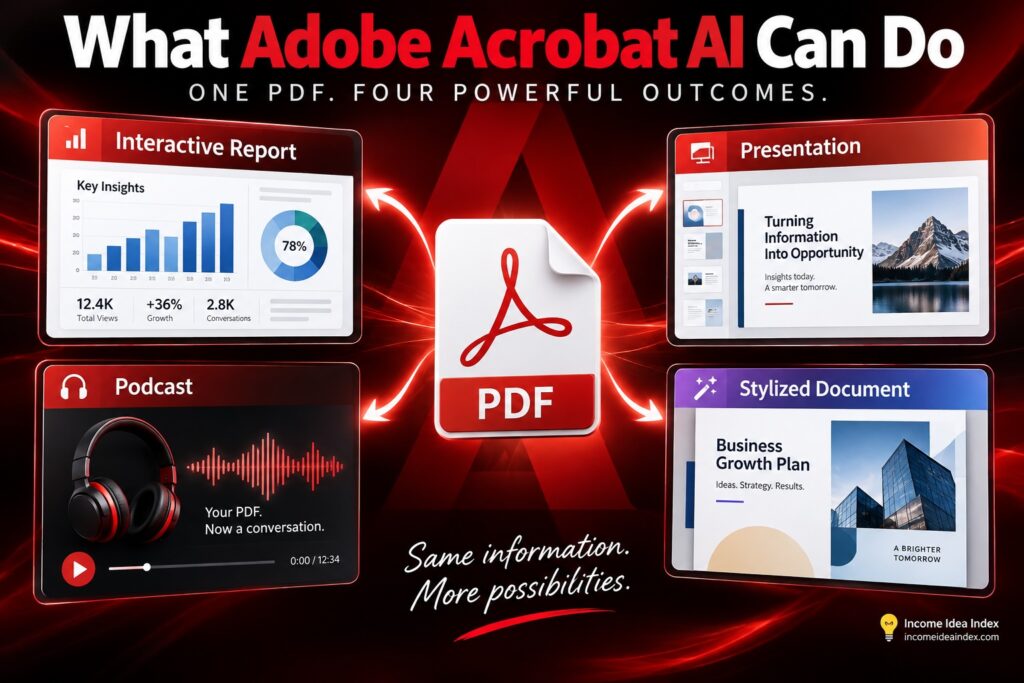
A document can now become an interactive report.
A collection of research can become a podcast.
A long report can become a presentation.
A plain proposal or invoice can become a professionally styled document.
And large organizations can increasingly ask questions across entire collections of information.
Those capabilities do not remove the need to review the underlying material.
If anything, the more polished AI-generated output becomes, the more important verification may be.
But Adobe appears to understand an important part of the next generation of AI tools:
People do not necessarily need another place to type prompts.
They need the software they already use to help move information from something they have into something they can use.
For millions of people who already work with PDFs, Acrobat may be becoming exactly that.