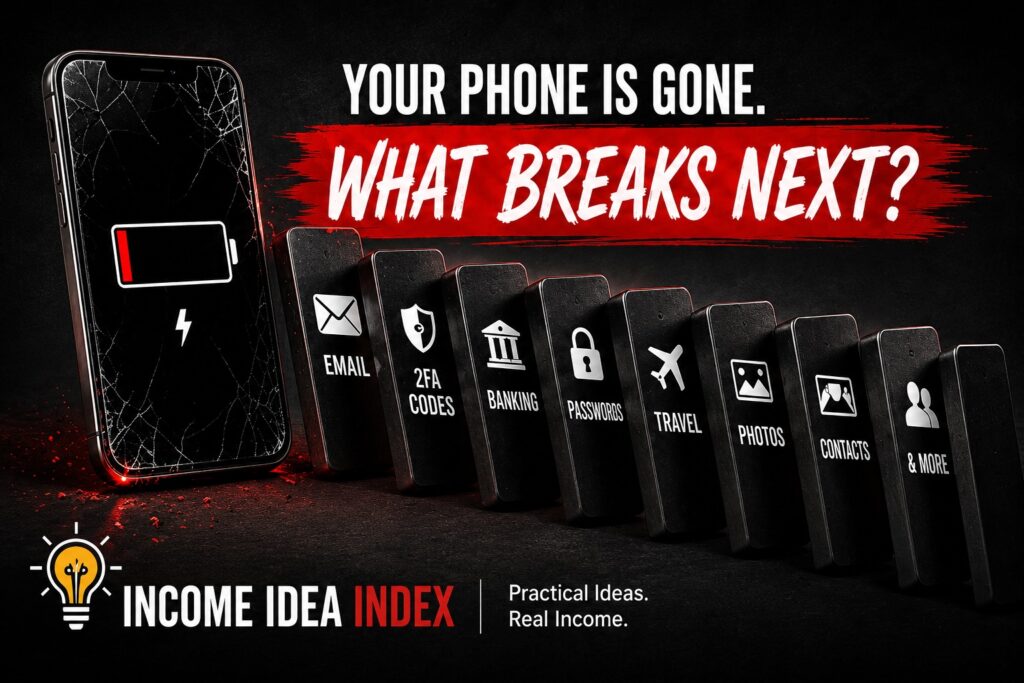
You Can Build a Basic Digital Emergency Plan in About 20 Minutes
You do not need to spend the entire afternoon turning yourself into a cybersecurity expert.
Start with the biggest points of failure.
Use this checklist:
- Confirm that your phone’s device-finding feature is enabled.
- Make sure you know how to access that feature from another device.
- Check that your primary email has a recovery method that does not depend exclusively on your phone.
- Generate and securely store backup authentication codes where appropriate.
- Understand how your authenticator app can be recovered or transferred.
- Make sure you know how to regain access to your password manager.
- Confirm that your phone is actually being backed up.
- Check that important photos and files exist somewhere besides the physical phone.
- Store your device’s identifying information somewhere safe.
- Know your mobile carrier and basic account information.
- Memorize at least one important phone number.
- Review what sensitive information appears on your lock screen.
- Consider whether a trusted person should know where important recovery information is stored.
You may already have most of this covered.
Great.
The point is to discover the one missing piece now instead of during an emergency.
Try the Five-Minute “No Phone” Test
There is an easy way to test your setup.
Do not turn off your phone.
Do not reset it.
Do not sign out of anything.
Do not do anything destructive.
Simply pretend for five minutes that the phone does not exist.
Sit at a computer or use another device and ask yourself:
Could I access my primary email?
Could I locate my phone?
Could I contact someone important?
Could I access my password manager?
Could I recover my authentication methods?
Could I contact my mobile carrier?
Could I access enough financial information to function normally?
Could I restore my important data onto another phone?
Every place where the answer is “I’m not sure” is a useful discovery.
Write it down.
Fix it later.
That is your digital emergency plan taking shape.
Don’t Forget Travel
Losing a phone at home is inconvenient.
Losing one while traveling can be considerably worse.
Your phone may contain:
- Airline boarding passes
- Hotel reservations
- Navigation
- Translation apps
- Ride-hailing apps
- Travel confirmations
- Payment methods
- Photos of important documents
- Contact information
- Your ability to communicate with people back home
Before a major trip, consider whether you could access essential reservations from another device.
Keep particularly important confirmation numbers somewhere besides the phone.
Know how you would contact your hotel, airline, travel companion, or family member if the device disappeared.
If you’re traveling somewhere unfamiliar, having a small amount of redundancy can make the difference between an inconvenience and a very stressful day.
Don’t Create a New Security Problem While Solving This One
There is a temptation to respond to all of this by creating one giant document called something like:
EVERY PASSWORD AND ACCOUNT I OWN
Don’t.
A digital emergency plan should improve resilience without making it easier for someone else to take over your accounts.
Avoid casually storing unprotected collections of:
- Passwords
- Banking PINs
- Complete credit-card numbers
- Security answers
- Authentication codes
- Sensitive identity documents
The exact security setup that makes sense will differ from person to person.
But the underlying idea remains the same:
Separate the instructions for recovering your digital life from the secrets that protect it.
Your emergency information might say:
Backup codes: stored in secure home records.
It doesn’t necessarily need to contain the codes themselves.
That small distinction can make the plan much safer.
The Goal Isn’t to Prepare for Every Possible Disaster
There will always be unusual situations.
A phone could be lost while traveling internationally.
A device could be stolen while it is unlocked.
Your cloud provider could have an outage at exactly the wrong time.
Your carrier account could have its own recovery problem.
You cannot create a perfect system for every imaginable scenario.
You don’t need one.
A good digital emergency plan simply prevents one device from holding every key.
Have another way into your most important accounts.
Have another copy of irreplaceable information.
Know how to locate or secure the device.
Know who to contact.
And make sure the instructions for solving the problem aren’t trapped inside the problem itself.
The Bottom Line
Most people will replace several smartphones during their lifetime.
Sooner or later, one may break unexpectedly, disappear, get stolen, or become inaccessible.
When that happens, replacing the hardware may be the easy part.
The difficult part is discovering just how much of your life depended on the device.
So spend a few minutes preparing while your phone is sitting safely beside you.
Check your recovery methods.
Check your backups.
Check your authentication.
Check your device-finding service.
Save the information you would need if the phone disappeared.
Then go back to using it normally.
A good emergency plan is not something you should have to think about every day.
It is something you create once so that, on one particularly bad day, you are very glad you did.