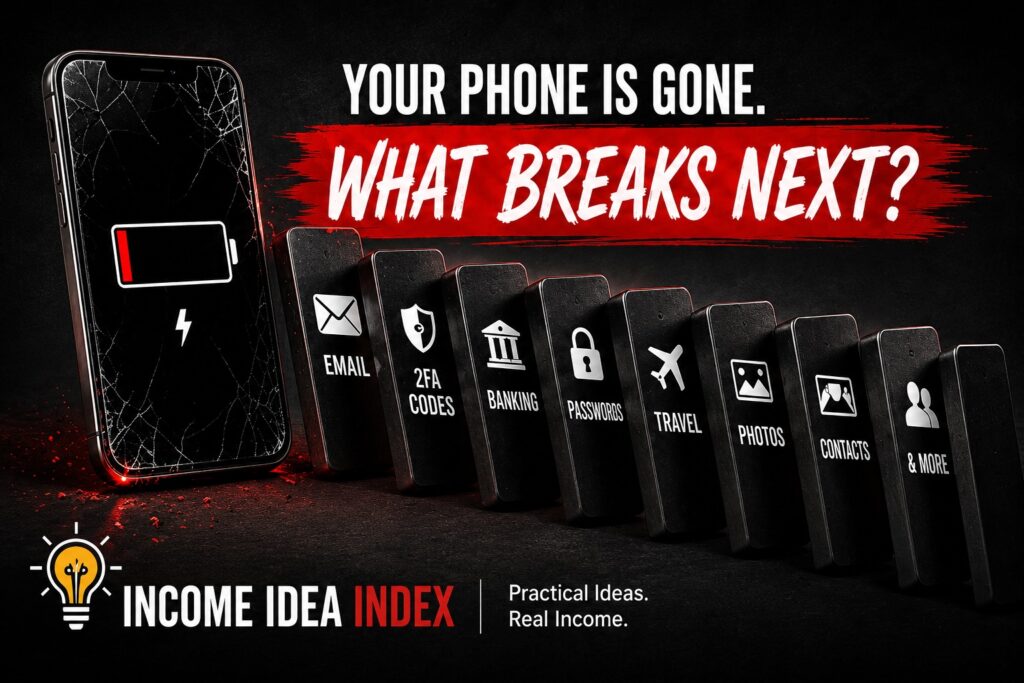
Make a Tiny Digital Emergency Record
You don’t need a giant binder containing your entire digital life.
In fact, creating one enormous document filled with passwords, PINs, account numbers, backup codes, and personal information can create a security problem of its own.
A better emergency record contains enough information to help you begin recovery without becoming a complete blueprint to your identity.
For example, you might keep:
- The name of your mobile carrier
- Your primary email address
- Your phone’s model
- Your device serial number or IMEI
- A few important telephone numbers
- A reminder of where your backup codes are securely stored
- A reminder of where other important recovery information can be found
Notice what doesn’t necessarily need to be on that list:
Every password you own.
Every PIN.
Every account number.
Every authentication code.
Your emergency record should help you locate sensitive recovery information, not necessarily contain all of that sensitive information itself.
Store the record somewhere reasonably secure and somewhere that does not require the missing phone to access it.
Memorize a Few Phone Numbers Again
Smartphones eliminated an old skill almost without anyone noticing.
People used to know phone numbers.
Now many of us know almost none.
If your phone disappeared and someone handed you another phone, could you call the person you needed?
Consider memorizing at least one or two important numbers.
A spouse.
A family member.
A trusted friend.
Someone who could help you get home, arrange transportation, contact your carrier, or begin dealing with the situation.
It feels strangely old-fashioned.
That is precisely why it can be useful.
Technology has made remembering telephone numbers unnecessary most of the time.
An emergency is one of the times it stops being unnecessary.
Think About Your Mobile Carrier Before You Need It
If a phone is stolen or permanently lost, your carrier may become part of the recovery process.
You may need to suspend service.
You may need to move your number to another phone.
You might need to replace a physical SIM or activate a new eSIM.
You may also have to verify that you are the account holder.
You do not need to memorize the carrier’s entire recovery process.
You should at least know which company manages your service and enough account information to begin resolving the problem without relying entirely on your phone.
This matters because your phone number may itself be used as a recovery method for other accounts.
Regaining control of the number can therefore become part of regaining control of your digital life.
Consider What Someone Else Could See
There is another side to the problem.
Recovery is about getting yourself back in.
Security is about keeping someone else out.
A strong phone passcode matters.
Biometric authentication such as facial recognition or fingerprint recognition can provide another useful layer.
Sensitive banking, payment, email, password, and social-media apps may have additional security options of their own.
But there is also something much simpler to check:
Your lock screen.
What appears when the phone is locked?
Can incoming text messages display verification codes?
Can someone read email previews?
Can financial alerts reveal balances or purchases?
Can personal messages be read without unlocking the phone?
Notifications are convenient.
But your lock screen is also visible to whoever happens to be holding the device.
You don’t necessarily need to hide every notification.
Just decide deliberately what you are comfortable displaying.
If the Phone Actually Disappears, Don’t Immediately Panic
Now imagine that the situation really happens.
You reach into your pocket.
No phone.
Your first reaction may be to start changing every password you own.
That might eventually be appropriate, particularly if you believe someone could access the device.
But first establish what happened.
Can your device-finding service locate it?
Could you have left it at a restaurant, office, store, or someone’s house?
Can you make it produce a sound?
Can you mark it as lost or secure it remotely?
Can you contact the location where you last remember having it?
If you believe the phone was stolen rather than misplaced, securing accounts and contacting your carrier becomes more urgent.
Apple recommends using Find My to locate the device and mark it as lost. Lost Mode locks supported Apple devices and can suspend payment cards and passes associated with Apple Pay while you attempt to recover the device.
Google likewise provides Find Hub controls that can locate, secure, or erase supported Android devices remotely.
Before taking destructive actions such as remotely erasing the phone, read the current instructions for your specific platform so you understand what happens afterward.
This is exactly why preparing beforehand matters.
You are making better decisions while sitting comfortably at home with your phone in your hand than you will while standing in a parking lot wondering where it went.
Your Phone Is Both Too Important and Too Distracting
There is an interesting contradiction in modern technology.
We complain that we spend too much time looking at our phones.
At the same time, we have entrusted those phones with an astonishing amount of responsibility.
They distract us.
They also authenticate us.
They entertain us.
They also hold airline tickets.
They interrupt us.
They also contain maps, payment methods, work messages, photos, calendars, contacts, and access to financial accounts.
The answer is not necessarily to reject technology.
It is to use it more deliberately.
That same idea appears from another angle in The Scrolling Backlash: How to Reclaim Your Attention Without Quitting Technology.
The question there is how we can keep useful technology without surrendering so much of our attention to it.
A digital emergency plan asks a different question:
How do we keep the convenience of the smartphone without allowing one missing device to become a digital catastrophe?
They are really two sides of the same conversation.
Technology should work for you.
Not the other way around.