Working from home can save commuting time and provide more flexibility, but an uncomfortable or disorganized workspace can make it difficult to stay productive.
Fortunately, building an effective workspace does not require expensive furniture or the latest technology. A few affordable home office essentials can improve comfort, reduce distractions, and make daily tasks easier.
Here are ten practical items to consider when setting up or improving your home office.
Affiliate disclosure: This post contains Amazon affiliate links. As an Amazon Associate, I earn from qualifying purchases at no additional cost to you.
1. A Supportive Office Chair
A supportive chair is one of the most important parts of a home office. Sitting in an uncomfortable position for hours can lead to back pain, poor posture, and reduced concentration.
Look for a chair with adjustable height, lower-back support, and a seat that remains comfortable during longer work sessions. You do not necessarily need a premium executive chair. A reasonably priced chair with basic adjustments can still be a major improvement over working from a couch or dining chair.
If replacing your chair is not practical, a lumbar-support cushion can be an affordable alternative.
2. A Laptop Stand
Looking down at a laptop screen for extended periods can strain your neck and shoulders. A laptop stand raises the screen closer to eye level and helps create a more comfortable viewing position.
Many stands are lightweight, adjustable, and easy to store. Some also fold flat, making them useful for people who share a workspace or need to move between rooms.
When using a laptop stand, pair it with an external keyboard and mouse so your hands can remain at a comfortable height.
3. A Comfortable Keyboard and Mouse
A separate keyboard and mouse can make a laptop-based workspace feel more like a traditional desktop setup.
Choose a keyboard that matches your working style and available desk space. A compact keyboard can leave more room for notebooks and other equipment, while a full-size model may be better if you frequently enter numbers.
A comfortable mouse can also reduce hand and wrist strain. Wireless models help reduce cable clutter, but wired versions are often affordable and never require charging.
4. An Adjustable Desk Lamp
Good lighting can reduce eye strain and make your workspace feel more inviting. An adjustable desk lamp lets you direct light toward your keyboard, notebook, or other work materials.
Look for a lamp with multiple brightness settings. Some models also allow you to change the color temperature from warm light to cooler daylight.
Place the lamp where it illuminates your work without creating glare on your screen. This is especially useful during early mornings, cloudy days, or evening work sessions.
5. A Surge Protector With USB Ports
Computers, monitors, lamps, chargers, and other devices can quickly use every available wall outlet.
A surge protector provides additional outlets while helping protect electronics from sudden voltage spikes. A model with built-in USB ports can also make it easier to charge a phone, headphones, or other accessories without using extra adapters.
Choose one with enough spacing for larger plugs and a cord long enough to reach your workspace safely.
6. A Cable-Management Kit
Loose charging cables and power cords can make even a clean desk feel disorganized. They can also become tangled or fall behind the desk when disconnected.
Cable clips, reusable ties, and adhesive cable holders provide an inexpensive way to keep cords together and within reach. A cable-management box can conceal a power strip and larger adapters.
Labeling similar-looking cables can also save time when you need to disconnect or replace a device.
7. A Desk Organizer
Pens, charging cables, sticky notes, receipts, and other small items tend to accumulate quickly. A simple desk organizer gives each item a designated place and helps preserve your usable workspace.
Choose an organizer based on what you actually use. A small tray may be enough for a mostly digital workflow, while a multi-compartment organizer can help if you regularly work with paper documents or office supplies.
The objective is not to fill the desk with storage. It is to keep frequently used items accessible without creating clutter.
8. Noise-Reducing Headphones
Background conversations, television, traffic, and household activity can make concentration difficult. Noise-reducing headphones can help create a more focused environment.
Active noise-canceling models can be effective, but they are not the only option. Comfortable over-ear headphones or well-fitting earbuds can also reduce distractions at a lower cost.
If you attend online meetings, choose headphones with a clear built-in microphone. This can improve call quality and reduce echoes or background noise.
9. A Webcam or Video Light
Many laptops include a webcam, but the picture may appear dark or grainy when the room has poor lighting. A small video light can often improve image quality more than buying a new camera.
Position the light in front of you rather than behind you. Natural light from a nearby window can also work well during the day.
If your computer’s built-in camera is noticeably poor, an affordable external webcam may provide a clearer picture and a better viewing angle for meetings, interviews, and recorded content.
10. A Reusable Planner or Desk Pad
Digital tools are useful, but writing down priorities can make them easier to see and remember. A reusable planner, weekly desk pad, or simple notebook can help you organize tasks without opening another app.
Use it to record your most important task, upcoming deadlines, follow-ups, and ideas that arise during the day.
Avoid turning the planner into an overwhelming list. Focus on a few meaningful priorities and update them as your work changes.
Add Affordable Home Office Essentials Gradually
You do not need to purchase every item at once. Start by identifying the problem that affects your work most.
If you are uncomfortable, improve your chair or screen position. If distractions are the main issue, consider headphones. If your desk feels chaotic, begin with cable management and simple organization.
The best affordable home office essentials are the ones that solve real problems and make it easier to work consistently. Build your setup gradually, choose items based on usefulness rather than appearance, and improve the workspace as your needs become clearer.
Before subscribing to software for your workspace, learn how to choose online tools that are actually worth paying for.
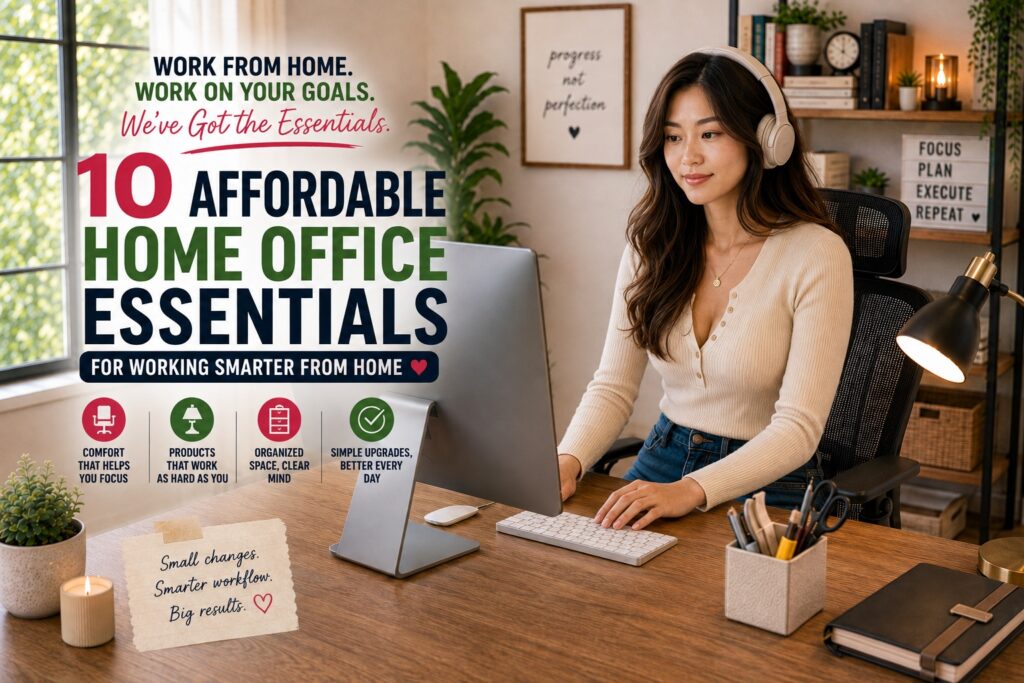
Image Disclosure: The featured image in this article was created using artificial intelligence. The person depicted is an AI-generated model and does not represent a real individual.