You have probably seen the prompt already.
A website asks whether you want to create a passkey. Instead of entering a password the next time you sign in, you can use your fingerprint, face, phone PIN, or another method you already use to unlock your device.
It sounds convenient.
It can also sound confusing. Is a passkey just another name for a saved password? Is your fingerprint being sent to the website? What happens if you lose your phone? And most importantly, are passkeys actually safer than passwords?
The short answer is yes, passkeys are generally much safer than traditional passwords, particularly against phishing and stolen-password attacks.
But that does not mean they eliminate every security risk.
Understanding how passkeys work makes it much easier to decide when to use them and what precautions still matter.
What Are Passkeys?
A passkey is a digital credential that allows you to sign in to a website or app without typing a traditional password.
Instead of memorizing something like:
MyDog!Coffee#7392
you confirm your identity using the security already built into your device.
That might mean:
- Face ID or another facial recognition system
- A fingerprint
- Your phone or computer PIN
- Windows Hello
- A hardware security key
- Another secure device-unlock method
The FIDO Alliance, the organization behind the authentication standards used by passkeys, describes them as a replacement for passwords built around cryptographic credentials rather than shared secrets.
That distinction matters.
A password is information you know and send to a service when you sign in.
A passkey works differently.
How Do Passkeys Work?
You do not need to understand cryptography to use a passkey, but the basic idea is surprisingly simple.
When you create a passkey for an account, your device creates two mathematically connected digital keys.
One is called a public key.
The other is called a private key.
The public key is given to the website or service.
The private key stays protected on your device or inside the credential manager storing your passkeys.
When you try to sign in, the website sends your device a challenge.
Your device uses the private key to prove that it has the correct credential. The website verifies that proof using the public key it already has.
Your private key does not need to be sent to the website.
That is fundamentally different from passwords.
With a password, the service has information related to the secret you use to authenticate. If attackers steal password databases, trick people into revealing passwords, or capture credentials through phishing, those passwords can potentially be used against the account.
With a properly implemented passkey, there is no reusable password for you to type into a fake login page.
Your Fingerprint Is Not the Passkey
One common misunderstanding is that your fingerprint or face becomes your password.
It does not.
Your biometric information is normally used to unlock access to the passkey stored on your device.
The website does not need a copy of your fingerprint.
For example, Google’s passkey guidance states that biometric information used for fingerprint or face unlock stays on the user’s device and is not shared with Google.
Think about the process this way.
Your passkey is the key to the account.
Your fingerprint, face, or PIN is what allows your device to use that key.
That is an important privacy distinction.
Why Are Passkeys Safer Than Passwords?
Passwords have several weaknesses that people have been dealing with for decades.
We forget them.
We reuse them.
We make them too simple.
We save them in insecure places.
We accidentally give them to fake websites.
And when one service suffers a data breach, attackers sometimes try the stolen passwords against other services.
Passkeys remove several of these problems by design.
Passkeys Cannot Be Reused Across Websites
Every passkey is associated with a particular account and service.
You do not create one passkey and reuse it across twenty websites the way someone might reuse the same password.
That eliminates one of the biggest problems with traditional passwords: credential reuse.
If one account has a problem, there is no identical passkey that an attacker can simply try on another site.
Passkeys Are Resistant to Phishing
This may be their biggest security advantage.
A convincing phishing site can look almost identical to a legitimate login page.
With passwords, that is dangerous because you can type the correct username and password into the wrong website.
The attacker now has your credentials.
Passkeys are designed to recognize the website or app they belong to. A passkey created for one legitimate domain is not supposed to authenticate a look-alike phishing domain.
That means an attacker cannot simply create a fake login page and convince you to type in your passkey.
There is nothing for you to type.
Websites Do Not Store Your Private Key
The website receives the public portion of the credential, while the private key remains protected by your device or passkey provider.
If attackers compromise the website’s authentication database, they do not get the private passkey needed to impersonate you.
That does not make the website itself impossible to hack, but it removes the familiar scenario where a stolen password can immediately become a usable login credential.
Passkeys Are Automatically Strong
You do not have to invent a clever passkey.
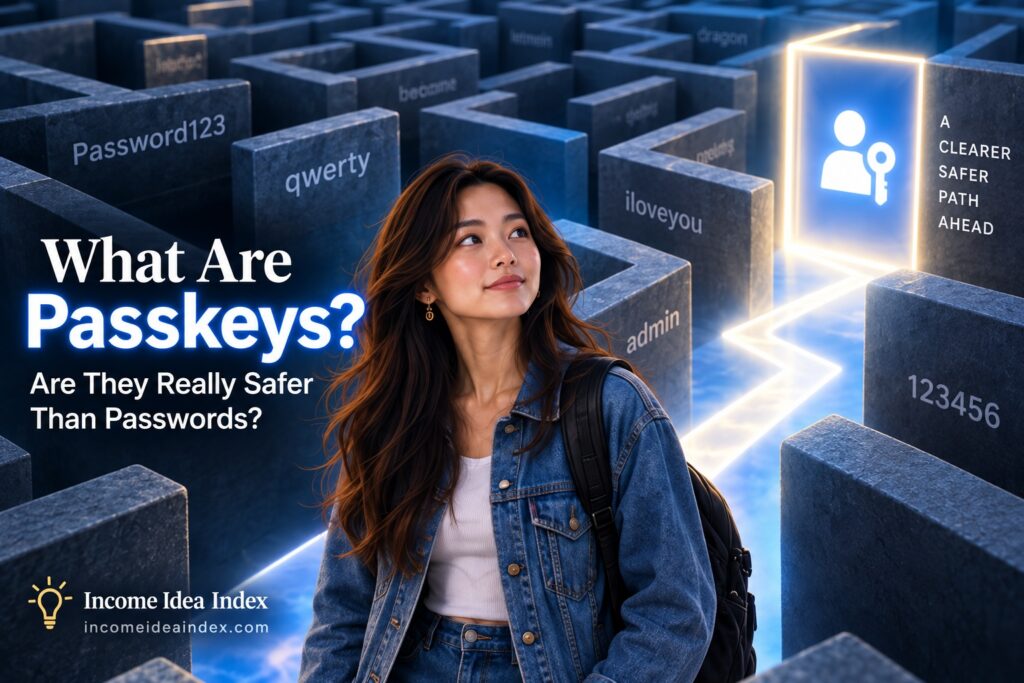
There is no temptation to use your child’s birthday, your dog’s name, Password123, or the same variation you have used on six other sites.
The cryptographic credential is generated for you.
That removes human memory from a job humans have never been particularly good at.