
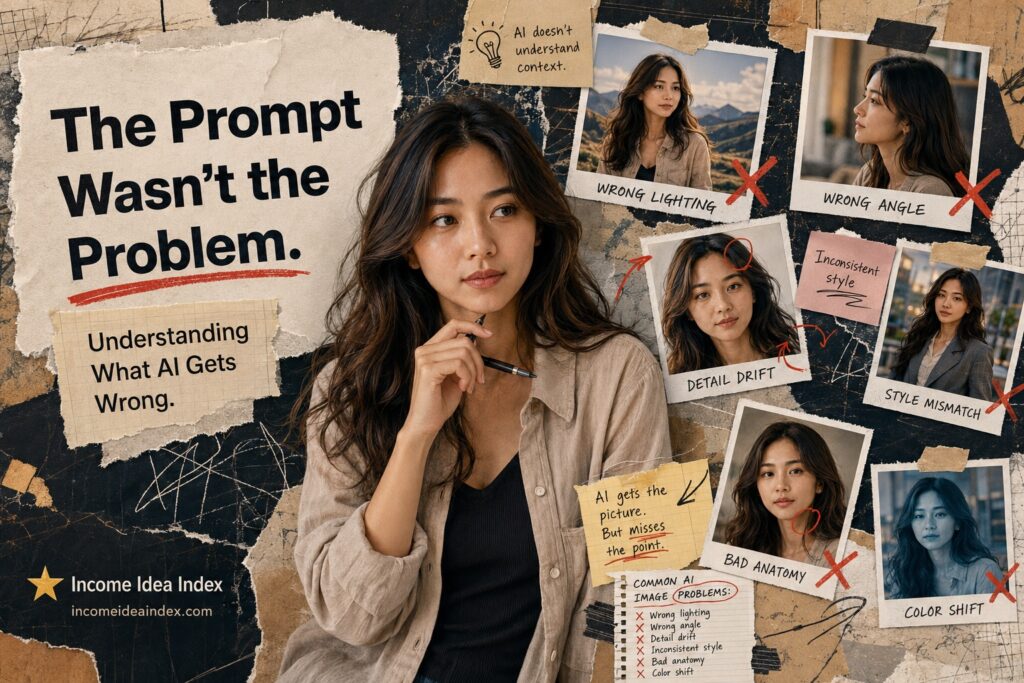
AI image generators can create an impressive visual in seconds—and then completely miss the image you actually wanted. A character changes appearance. An object faces the wrong direction. The composition drifts. Text comes out wrong. A correction fixes one problem but introduces two new ones.
If that sounds familiar, the problem is not always that you wrote a “bad prompt.” AI image generation involves a combination of interpretation, probability, visual constraints, model limitations, and sometimes conflicting instructions. Understanding how those pieces interact can dramatically reduce the number of wasted generations.
The goal is not to write the longest possible prompt. It is to communicate the image clearly enough that the AI has fewer important decisions to make on its own.
Why AI Image Generators Sometimes Ignore What You Asked For
When you describe an image to another person, that person understands concepts, physical relationships, context, and intent.
An AI image generator works differently.
It interprets your instructions and builds an image based on patterns it has learned. It can recognize concepts such as “woman working at a laptop,” “cinematic lighting,” “minimalist office,” or “editorial illustration,” but it does not necessarily understand why a particular detail matters to you.
That distinction explains many frustrating results.
Suppose you request:
A woman writing in a spiral notebook while sitting at a desk.
The generator may successfully create a woman, notebook, pen, and desk.
But perhaps the notebook is turned toward the viewer instead of toward the woman.
Technically, the requested objects are present. Functionally, the scene makes little sense.
Humans naturally understand that someone using an object should normally have that object positioned for their own use. AI may not consistently prioritize that relationship unless the instruction or visual context makes it clear.
This is why better AI image generation is less about adding decorative adjectives and more about specifying the relationships that matter.
Problem #1: The Prompt Describes Objects but Not the Scene
One of the most common prompting mistakes is listing what should appear without explaining how those things should interact.
For example:
Woman, laptop, notebook, coffee, home office.
That gives the generator ingredients.
It does not give it much direction.
A stronger version might be:
A woman sits at a home-office desk reviewing information on her laptop while taking handwritten notes in a spiral notebook positioned naturally in front of her. A coffee mug sits off to the side. The scene should feel focused, organized, and realistic.
Now the prompt describes relationships:
- the woman is reviewing the laptop;
- she is actively using the notebook;
- the notebook belongs in her working space;
- the coffee is a secondary prop;
- the environment supports the story.
That generally gives the model a clearer visual hierarchy.
Describe What Is Happening, Not Just What Exists
Before generating an image, try answering three questions:
- Who or what is the main subject?
- What is the subject doing?
- What should the viewer understand immediately?
If you cannot answer those clearly, the image generator may struggle too.
Problem #2: The AI Has Too Much Freedom
Short prompts can sometimes create beautiful images because the model is free to improvise.
That is useful when you are exploring.
It becomes a problem when you already know what you want.
Consider this prompt:
Create a professional image about making money online.
There are dozens of reasonable interpretations.
The generator might create:
- someone working at a laptop;
- floating dollar signs;
- an online storefront;
- cryptocurrency graphics;
- a business dashboard;
- a phone displaying payments;
- a futuristic technology scene.
None is necessarily wrong.
But only one may match the article you are writing.
When important details are left unspecified, the AI fills those gaps itself.
A useful rule is:
Give the generator freedom on details that do not matter and clear instructions on details that do.
If the exact wall decoration is irrelevant, do not waste prompt space controlling it.
If the person’s pose, headline placement, or orientation of an important object matters, make that explicit.
Problem #3: The Prompt Has Too Many Competing Instructions
More detail is not automatically better.
A prompt can become so crowded that the instructions begin competing with one another.
Imagine asking for an image that is simultaneously:
- minimalist;
- highly detailed;
- dramatic;
- playful;
- corporate;
- cinematic;
- colorful;
- understated;
- futuristic;
- realistic.
Some of those ideas can coexist, but the generator now has to decide which qualities dominate.
That often produces a visually confused result.
Instead, establish priorities.
Separate Requirements From Preferences
Think of your prompt in two layers.
Requirements are details that must be correct.
Examples:
- one person only;
- laptop positioned in front of the person;
- empty space on the left for a headline;
- landscape composition;
- no visible brand logos.
Preferences guide the look without defining success.
Examples:
- warm lighting;
- modern clothing;
- subtle background;
- slightly cinematic atmosphere.
This distinction becomes even more important when you repeatedly use AI for content creation. AI can certainly save time on routine creative and planning tasks, but only when correcting the output does not consume more time than creating it.
Problem #4: You Did Not Specify Composition
A prompt can describe the right subject and still produce the wrong image.
Often the missing ingredient is composition.
Composition determines where the viewer looks first and how the elements relate to one another.
Useful composition instructions include:
- wide shot;
- medium shot;
- close-up;
- eye-level view;
- overhead view;
- subject positioned on the right;
- negative space on the left;
- foreground object for depth;
- clear focal point;
- uncluttered background.
For a blog featured image, composition can be especially important because the image often needs to work at a relatively small size.